How to Check SEHR Program Application Status Online
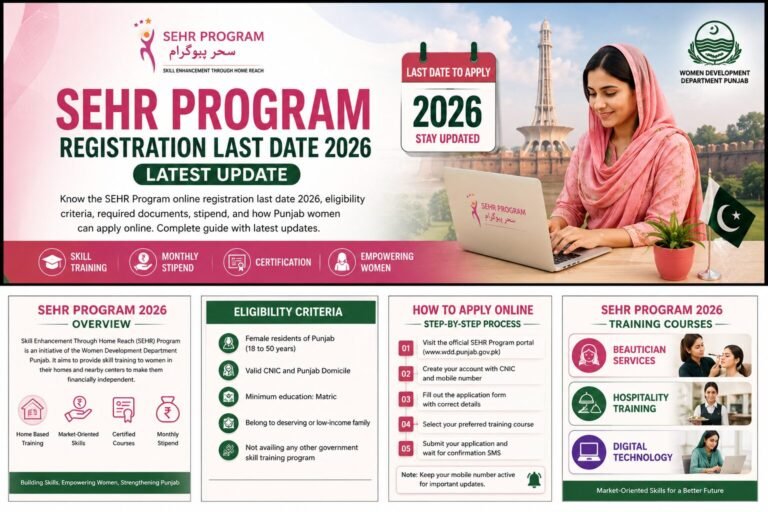
If you have already applied and now want a simple, reliable way to check your SEHR Program application status, this guide gives you the exact steps. The Women Development Department, Government of Punjab, mainly shares updates through an official SMS sent to your registered mobile number. You can also log back into the portal profile you created during registration.
At present, there is no separate CNIC-only tracker for this scheme, so your confirmation message and your online profile are the two trusted sources. Below you will learn what you need before checking, the step-by-step method, the possible status results, and the latest official updates. Whether you applied for digital skills, beautician, or hospitality training, this page helps you track your SEHR Program registration status with confidence and avoid fake links.
Overview
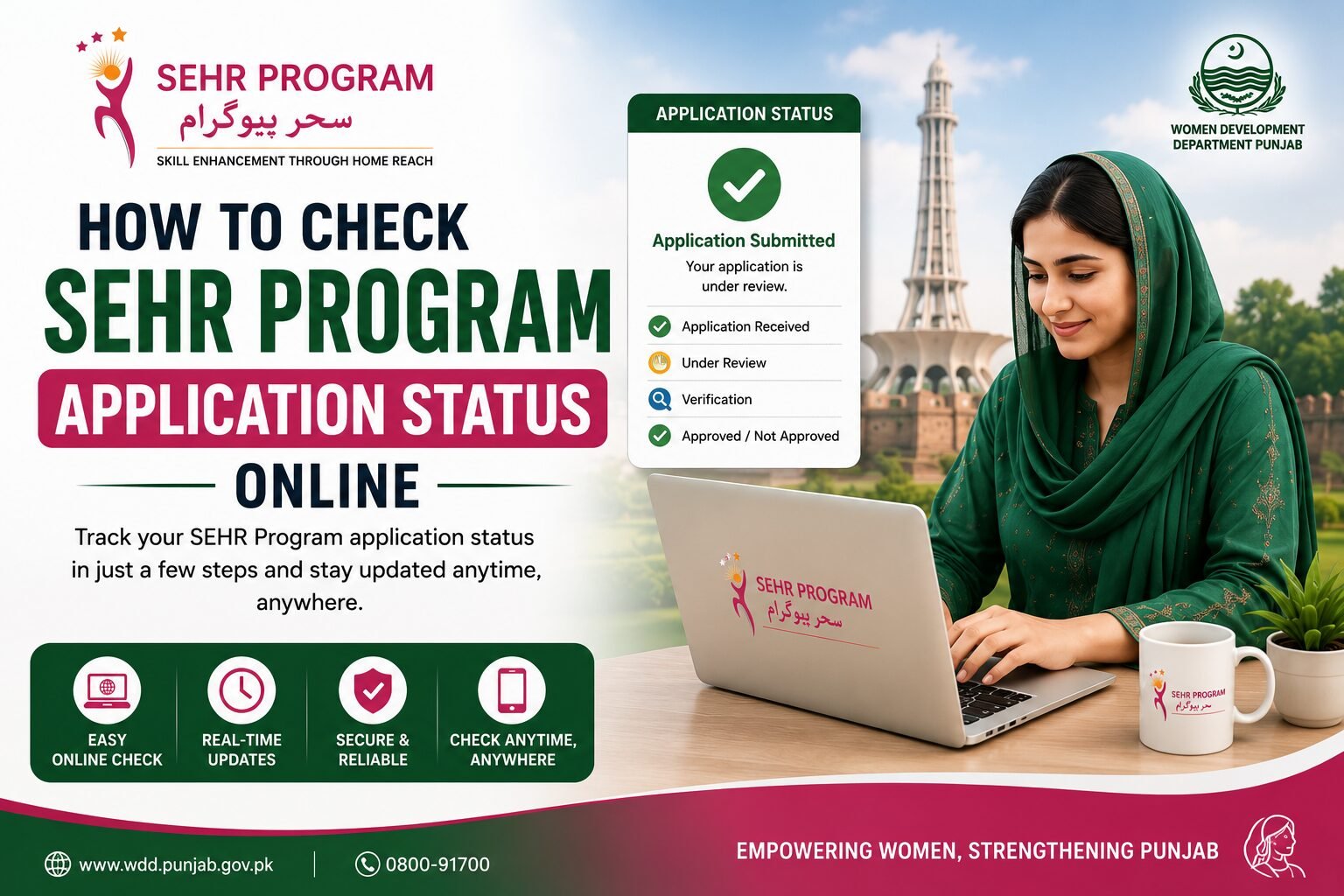
Your SEHR Program application status simply tells you where your form stands after submission. It moves through clear stages, from received to under review to shortlisted and finally to selected or not selected. Knowing how to read these stages saves you from guesswork.
Many applicants feel anxious after they submit the form. They refresh pages, ask friends, and sometimes click unknown links that promise instant results. This worry is natural, because a training seat can change a household’s income.
The good news is that checking your status is safe and straightforward. The SEHR Program is run by the Women Development Department (WDD) under Chief Minister Maryam Nawaz Sharif, and it uses two trusted channels: an official SMS to your registered number and your own profile on the WDD portal.
You can view all women’s support schemes on our Home Page. If you have not applied yet, start with our How to Apply guide first.
Quick Facts
| Question | Answer |
|---|---|
| Who runs the program? | Women’s Development Department (WDD), Government of Punjab |
| How status is shared | Official SMS to the registered mobile number, plus portal profile |
| Separate CNIC tracker | Not available for this scheme at present |
| Official portal | wdd.punjab.gov.pk/SEHR |
| Trades covered | Digital Skills, Beautician, Hospitality |
Who Can Check the SEHR Program Application Status
Only applicants who have completed the online registration can check the status. If you never submitted the form, there is nothing to track yet. Keep these points in mind.
- You must have submitted the SEHR Program online registration form.
- You should have received a confirmation SMS after submission.
- Use the same mobile number that you entered during registration.
- Each applicant has one profile, so avoid creating duplicate accounts.
What You Need to Check Your Status
Before you begin your SEHR program status check, keep the following ready. Correct details help you view the right result without delay.
- Your registered mobile number, with the confirmation SMS from WDD.
- Your CNIC number, exactly as entered on the form.
- The reference or tracking number, if it was shared in the SMS.
- Internet access to open the official WDD SEHR portal.
- A working phone to receive the OTP for portal login.
Step by Step: How to Check SEHR Program Application Status Online
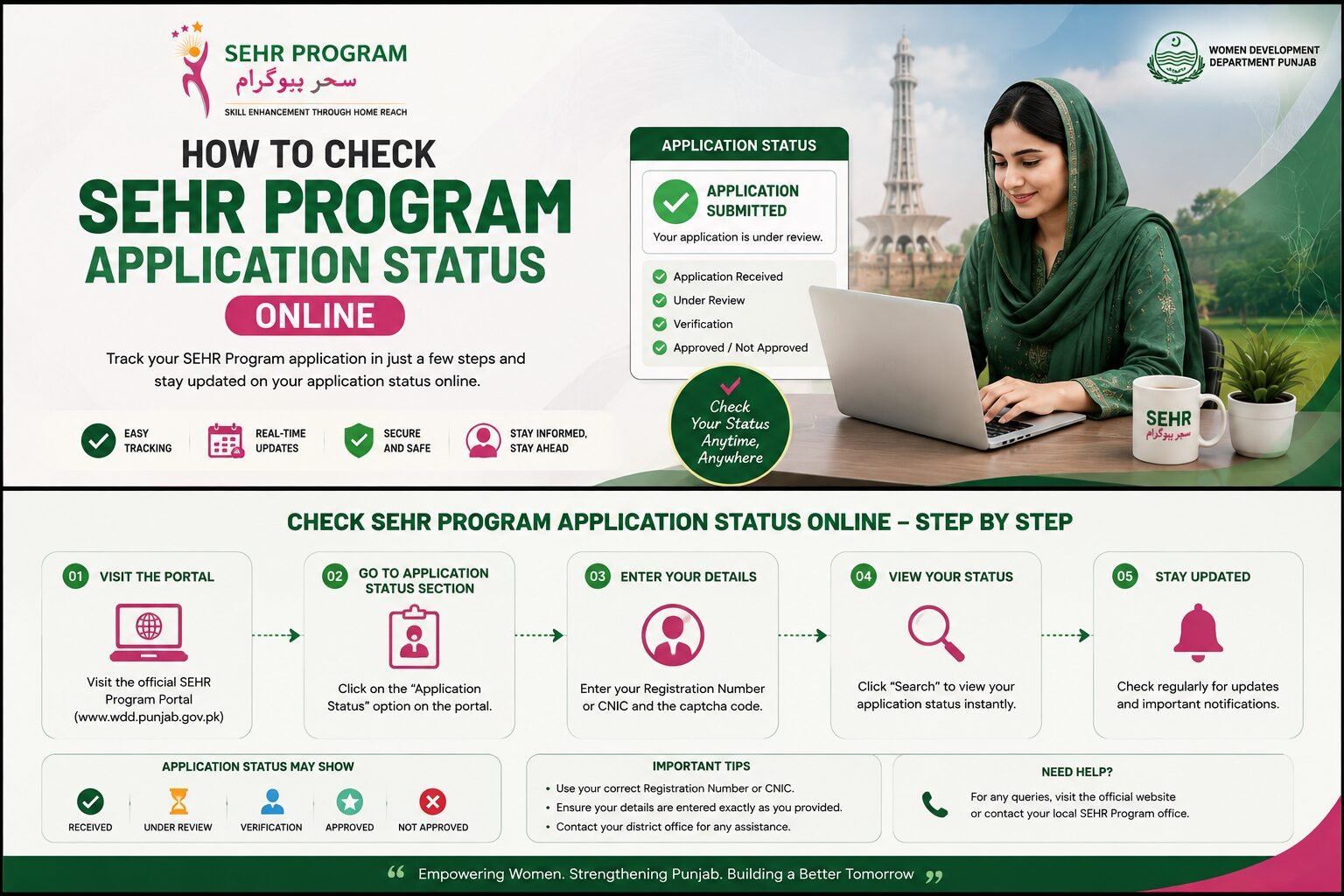
Follow these steps in order. This is the safest way to complete your SEHR Program application status check online without falling for fake pages.
- Open the confirmation SMS sent by WDD to your registered mobile number and note any reference number.
- Visit the official WDD SEHR portal at wdd.punjab.gov.pk.
- Log in to the profile you created during registration using your mobile number and the OTP sent to your phone.
- Open your application dashboard to see the current stage of your form.
- Watch for a shortlisting SMS or a call that invites you to the test and interview.
- If your status is unclear or you see an error, use the official Complaint button placed above the registration form.
- Confirm your district batch updates on the portal before assuming that your form was rejected.
If any field feels unclear during login, our step-by-step application guide explains the whole registration process in detail.
Possible Status Results
| Status | What It Means |
|---|---|
| Submitted | Your form was received, and a confirmation SMS was sent. |
| Under review | Shortlisting is in progress based on eligibility and district capacity. |
| Shortlisted | You are invited for the test and interview by SMS or call. |
| Selected | Your enrollment is confirmed, and the training schedule is shared. |
| Not selected | You were not chosen this time and may reapply in a future batch. |
Still waiting on a closing date for a fresh batch? Check our SEHR Program Online Registration Last Date 2026 page for the newest district schedules.
Latest Updates
Here are the recent points every applicant should know while tracking a form.
- A Complaint button is now live above the registration form for Digital Skills and Beautician applicants, as announced by WDD.
- Status decisions are shared by SMS or call, so keep your registered number active and never block unknown official messages.
- New districts are being added in phases, which means a closed batch in one city is not a rejection everywhere.
- Trust only wdd.punjab.gov.pk for any SEHR Program application tracking, and ignore third-party links that ask for money or an OTP.
Women exploring more Punjab Government support can also read about the Maryam Ki Dastak service, the Khud Mukhtar Khatoon scheme, and the Aghosh Program for mothers and young children.
Frequently Asked Questions
How can I check my SEHR program application status?
Open the confirmation SMS on your registered mobile number, then log into your profile on the official WDD SEHR portal using your number and the OTP. These two channels show your current stage.
Is there a CNIC-based SEHR program status tracker?
No. At present, there is no separate page where you enter only your CNIC to see the result. Status is shared through an official SMS and your portal profile, so treat CNIC-only tracker links as unofficial.
How long does shortlisting take?
It varies by district and batch capacity. Shortlisting begins after a batch closes, and selected applicants receive a test and interview invitation by SMS or call. Keep your number active during this period.
What should I do if I did not receive a confirmation SMS?
First, confirm that your mobile number was entered correctly. If the number is right and the message is still missing, use the official Complaint button above the registration form to report the issue.
Conclusion
Checking your SEHR Program application status is simple once you know the official channels. Read the confirmation SMS on your registered number, log into your WDD portal profile, and wait for a test or interview invitation. These trusted steps keep you informed and safe.
Avoid any page that asks for money or an OTP to reveal your result, because the Women’s Development Department never works that way. Stay patient, keep your phone active, and rely only on the official portal so you never miss an update from the Government of Punjab.